

Online-banking login theft usually begins with deception rather than a direct attack on the bank. Criminals impersonate financial institutions, create fake login pages, send phishing messages or exploit passwords that were exposed elsewhere, hoping the account holder will provide enough information for unauthorized access.
The FBI warned in November 2025 that account-takeover schemes were using calls, texts, emails and fraudulent financial-institution websites to steal usernames, passwords and multi-factor authentication information. The FBI said more than 5,100 account-takeover complaints had been reported to IC3 since January 2025, with losses exceeding $262 million at the time of the alert.
For consumers, the most useful defense is understanding the recurring patterns. The message or website may change, but the core objective is the same: persuade the victim to trust an attacker-controlled communication channel instead of independently verifying the bank.
Quick answer: Criminals commonly steal online-banking logins through phishing emails and texts, fake bank websites, fraudulent search advertisements, support impersonation, reused passwords, compromised email accounts and social engineering around MFA. The safest response is to avoid login links in unexpected messages, use the official bank app or a saved bookmark, enable strong MFA and contact the bank independently when something looks wrong.
Safety scope: This article explains common account-compromise scams for prevention. It does not provide phishing-kit construction, credential interception code, MFA-bypass procedures, session-theft instructions or methods for using stolen banking access.
Why Criminals Target Online Banking Credentials
A valid banking login can expose account information, transaction history and financial controls that criminals may try to abuse. For this reason, usernames and passwords are valuable even before any transaction occurs.
- A stolen password can be tested against the legitimate bank login.
- Account information can support more convincing follow-up scams.
- Access to profile settings can create opportunities for account takeover.
- A compromised banking account can become part of a wider identity-theft incident.
Scam 1: Phishing Emails That Imitate a Bank
Phishing emails pretend to come from a trusted financial institution and create a reason for the customer to act immediately. Common stories include suspicious activity, a locked account, a failed payment or an urgent security review.
The FTC advises consumers not to click links or download attachments in unexpected messages. If a bank-related message might be legitimate, the customer should contact the bank using a phone number, app or website they independently know is genuine.
Common Warning Signs in a Banking Phishing Email
- Unexpected urgency or threats of account closure
- A link that does not clearly use the bank's real domain
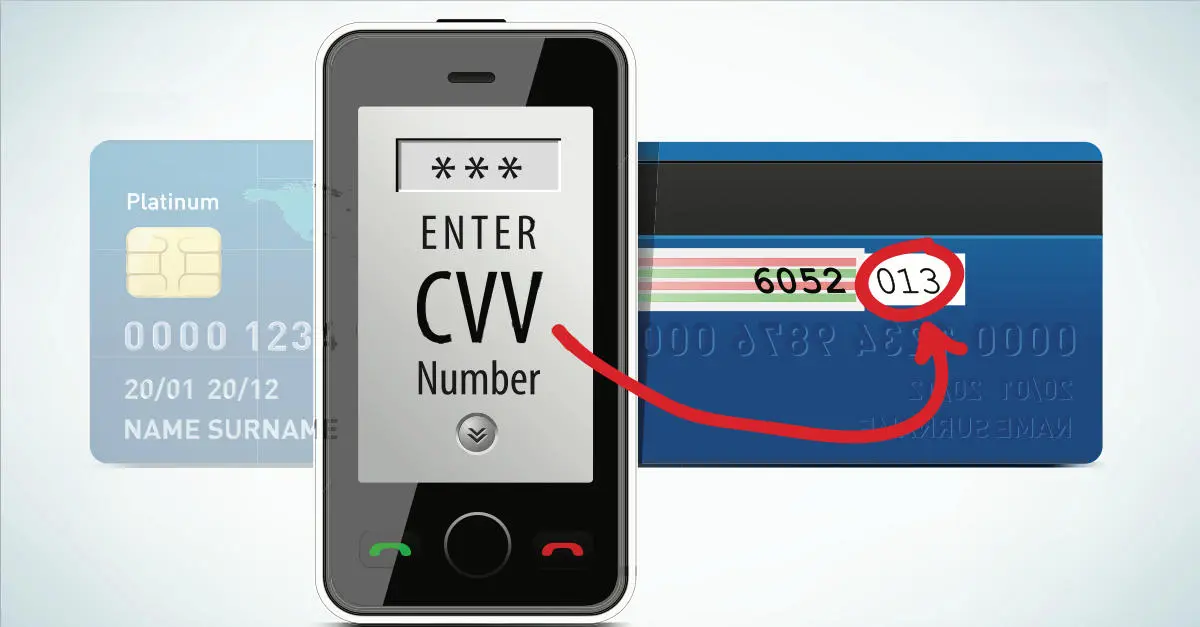
- Requests to confirm a password, card number or one-time code
- A sender address that imitates the bank but contains small differences
- An attachment or login button you were not expecting
Scam 2: Smishing - Fake Bank Text Messages
Smishing is phishing delivered by text message. The FTC notes that fake fraud alerts are a common text-scam pattern: the message may claim there is a suspicious charge and invite the recipient to reply, call a number or click a link.
A real-looking sender name or familiar bank branding does not prove the message is genuine. Instead of using the contact details inside the text, customers should open the official bank app or call a trusted number.
Scam 3: Vishing and Fake Bank Support Calls
Vishing uses phone calls or voice communication. A caller may claim to be from the bank's fraud department, security team or customer support and say that urgent action is required.
The FBI warns that impersonators may try to convince account owners to reveal login credentials, MFA codes or one-time passcodes. Caller ID can be spoofed, so an incoming number that looks familiar is not proof that the call came from the bank.
- Do not disclose a password to an unexpected caller.
- Do not read an OTP or MFA code to someone who contacted you.
- Do not let urgency prevent independent verification.
- Hang up and call the bank using the number on the card or official website.
Scam 4: Fake Online Banking Websites
A counterfeit banking page can closely imitate the real login screen. The criminal relies on the victim believing the page belongs to the financial institution.

According to the FBI, phishing websites are a major account-takeover technique because users may enter their credentials into a fraudulent page without realizing it. A 2025 Justice Department operation described stolen bank credentials being harvested through fake bank websites and later used against the legitimate banking sites.
Scam 5: Fraudulent Search Ads and SEO Poisoning
Not every fake bank page arrives through an email or text. Criminals can also buy search advertisements or manipulate search visibility so a fraudulent page appears where a user expects to find the real bank.
The FBI specifically recommends using bookmarks or favorites for financial login pages and avoiding search advertisements when navigating to a bank. The Justice Department documented a 2025 scheme in which fraudulent search ads imitated legitimate banking advertisements and redirected victims to fake bank websites.
Navigation method | Risk | Safer habit |
|---|---|---|
Search advertisement | Can imitate a legitimate bank result | Use a bookmark or official app |
Unexpected email link | Can lead to a phishing page | Navigate independently to the bank |
Text-message link | Can redirect to a fake mobile login | Open the bank app directly |
Caller-provided URL | Caller controls the destination | Use the bank's known official address |
Scam 6: Reused Passwords and Credential Stuffing
A banking password does not have to be stolen from the bank itself. If the same password was used on another website that later suffered a breach, criminals may try the exposed credential against other services.
CISA notes that reused passwords are a common weakness and that MFA makes account takeover significantly harder even when a password has been compromised.

- Use a unique password for online banking.
- Do not reuse the banking password for email, shopping or social media.
- Use a password manager if it helps you maintain unique credentials.
- Change reused passwords promptly after a known breach.
Scam 7: Compromised Email Accounts and Password Recovery
Email is often part of account recovery and security notifications. If an attacker compromises the email account linked to online banking, the attacker may gain additional opportunities to reset passwords, intercept alerts or impersonate the victim.
- Protect email with a unique password and MFA.
- Review recovery addresses and phone numbers.
- Sign out sessions you do not recognize.
- Treat unexpected password-reset emails as a possible warning sign.
Scam 8: Social Engineering Around MFA and One-Time Codes
Multi-factor authentication protects accounts by requiring more than a password, but criminals may try to trick the user into completing the second step for them.
The FBI describes schemes in which criminals impersonate bank staff and ask victims to disclose one-time passcodes. CISA recommends phishing-resistant MFA where possible because it reduces dependence on codes that can be socially engineered.
An authentication code should be treated like a temporary key. If you did not initiate the login, do not approve the request or give the code to anyone.
Scam 9: Malware and Credential Stealers
Malware can steal passwords or other account-access information from an infected device. Criminal credential markets have historically sold information collected from compromised computers.
For consumers, the defensive steps are more important than the technical details: keep devices updated, avoid untrusted software, use reputable security tools and investigate unexpected browser or account behavior.
Scam 10: Fake Security or Fraud-Prevention Workflows
Some scams succeed because they make the victim believe the criminal is helping prevent fraud. A message may claim that a suspicious transfer must be cancelled, a new device must be verified or a special security process must be completed.
The safest test is independence: stop using the channel that contacted you and reach the bank through an official route you already trust.
How the Major Login-Theft Scams Compare
Scam type | Main channel | Typical deception | Safer response |
|---|---|---|---|
Phishing | Urgent bank alert or fake login link | Navigate to the bank independently | |
Smishing | Text message | Suspicious charge or locked account | Do not click; open the official app |
Vishing | Phone call | Fake bank support or fraud team | Hang up and call the known bank number |
Search-ad phishing | Search engine | Fake sponsored bank result | Use bookmarks/favorites |
Credential reuse | Multiple websites | Previously breached password reused elsewhere | Use unique passwords and MFA |
Email compromise | Email/recovery | Password-reset or alert interception | Secure email with unique password and MFA |
Warning Signs Your Banking Login May Already Be Compromised
- Login alert from a device or location you do not recognize
- Unexpected password-reset or username-recovery messages
- MFA codes or push notifications you did not request
- Changes to the phone number or email address on the account
- New payees, beneficiaries or linked accounts you do not recognize
- Unauthorized payments, withdrawals or transfers
- Being locked out of the account unexpectedly
What to Do If You Entered Your Login on a Fake Site
1. Contact the bank immediately.
Use the official banking app, the number on your card or a trusted official website.
2. Tell the bank your credentials may be compromised.
Ask the bank to secure the account and review recent access.
3. Change the password through the legitimate bank.
Do not use links in the suspicious message or page.
4. Secure the connected email account.
Change its password if needed and review active sessions and recovery information.

5. Review account activity.
Report transactions and account changes you do not recognize.
6. Change the password anywhere else it was reused.
Credential reuse can turn one compromise into several.
What to Do If You Shared a One-Time Code
Contact the financial institution immediately. Explain that an authentication code may have been disclosed to an impersonator and ask the bank to review active sessions, account changes and recent transactions.
Do not wait for money to move before reporting the incident. A disclosed authentication code can indicate that the attacker was already attempting to log in.
How to Make Online Banking Logins Harder to Steal
- Use a unique banking password.
- Enable MFA and choose phishing-resistant authentication when available.
- Use the official banking app or a saved bookmark.
- Avoid search advertisements for financial logins.
- Do not log in through unexpected email or text links.
- Do not share passwords or one-time codes with callers.
- Secure the email account connected to banking.
- Enable login and transaction alerts.
- Keep devices, browsers and apps updated.
Why Phishing-Resistant MFA Matters
Traditional MFA is much stronger than passwords alone, but some methods can still be targeted by phishing or social engineering. CISA recommends phishing-resistant MFA for organizations and describes it as a stronger defense against credential theft.
Consumers should use the strongest authentication option their bank supports. Banks control which methods are available, so customers may not always be able to choose a phishing-resistant option.
How Banks Help Detect Compromised Logins
Financial institutions use multiple signals to evaluate whether a login or transaction looks normal. These can include device history, network context, account behavior, authentication results and unusual account-setting changes.
Exact fraud thresholds are intentionally private. Publishing precise decision rules would help attackers tune scams around them.
Online Banking Login Theft vs Bank Account Takeover
Credential theft is the compromise of login information. Account takeover is the next stage: the criminal actually gains unauthorized control of the legitimate account.

A stolen password does not automatically mean a successful takeover because MFA, device checks and bank risk controls may still block access.
Online Banking Login Theft vs “Bank Logs”
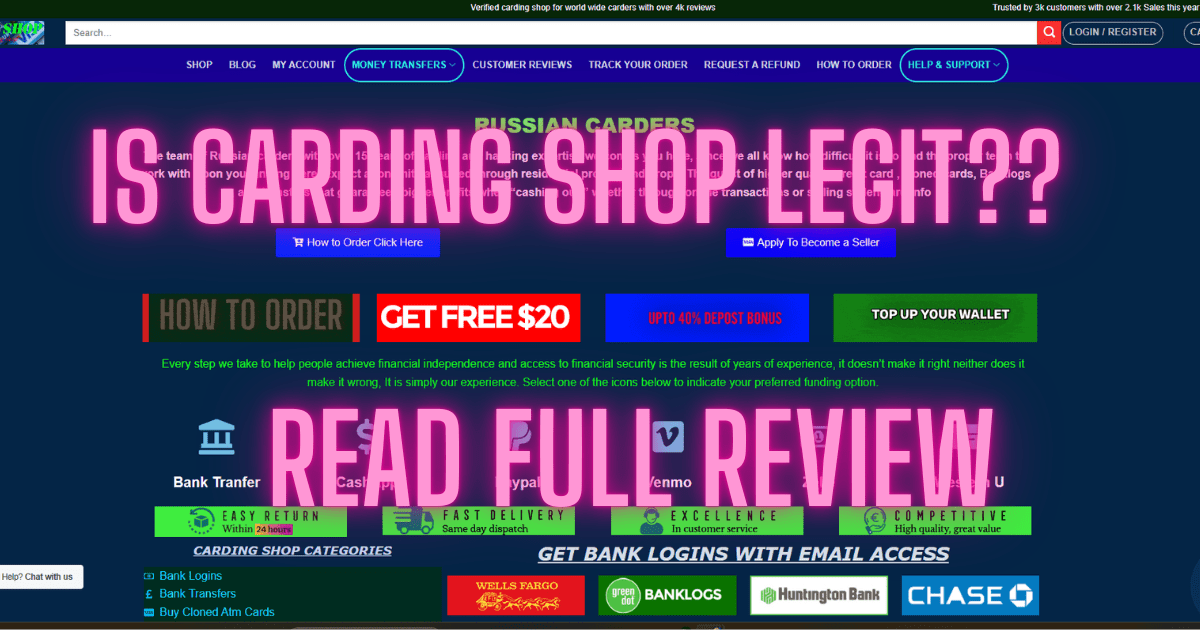
“Bank logs” is underground slang for compromised online-banking access or stolen banking credential packages. Login theft describes the methods that can create those stolen credentials in the first place.
Frequently Asked Questions
How do criminals steal online banking logins?
Common methods include phishing emails and texts, fake banking websites, fraudulent search advertisements, support impersonation, reused passwords, email compromise and social engineering around MFA.
Can a fake bank website look exactly like the real one?
It can closely imitate the real design. Verify the domain and use the official bank app or a trusted bookmark rather than relying on appearance alone.
Why should I avoid bank ads in search results?
The FBI and DOJ have documented fraudulent search advertisements that imitate legitimate banking ads and lead to phishing sites.
Can caller ID prove my bank is calling?
No. Caller ID can be spoofed. End an unexpected call and contact the bank through a trusted number.
Should I give a bank employee my one-time code?
Do not give a one-time authentication code to an unexpected caller or message sender. Contact the bank independently if you are unsure.
Can a stolen password still work if I have MFA?
MFA can stop many attempts, but criminals may try to trick you into approving the second factor. Stronger phishing-resistant MFA provides better protection where available.
What should I do if I clicked a bank phishing link?
Do not continue entering information. Navigate to the bank independently, contact it if credentials may have been exposed, and review account activity.
What should I do if I entered my password on a fake bank site?
Contact the bank immediately through a trusted channel, change the password on the legitimate service, secure connected email and review recent activity.
Why is my email account important to banking security?
Email can receive password resets and security alerts, so a compromised email account can make financial account takeover easier.
Is online banking login theft the same as bank account takeover?
No. Login theft is credential compromise; account takeover means the criminal has successfully gained unauthorized control of the account.
Final Thoughts
Criminals steal online-banking logins by exploiting trust. The most common scams impersonate the bank, imitate its website or reuse credentials stolen somewhere else.
The strongest defense is to separate the message from the bank. Do not trust the link, phone number or website supplied by an unexpected contact. Open the official app, use a saved bookmark or call a known number instead.
Unique passwords, MFA, secure email, alerts and careful login habits reduce the chance that a single phishing message becomes a full bank account takeover.
Authoritative References
- FBI - Account Takeover Fraud via Impersonation of Financial Institution Support
- U.S. Department of Justice - Stolen-Password Database Used in Bank Account Takeover Fraud
- FBI - Cybercriminals Impersonating Employee Self-Service Websites
- FTC - Protect Yourself From Phishing Scams
- FTC - Is That Unexpected Text a Scam?
- CISA - Require Multifactor Authentication
- CISA - More Than a Password
Editorial note: This article is educational and defensive. It explains common banking-login theft scams and protective measures without providing phishing infrastructure, credential-interception code, authentication bypasses, stolen credential sources or instructions for unauthorized account access.