
Featured Snippet Answer
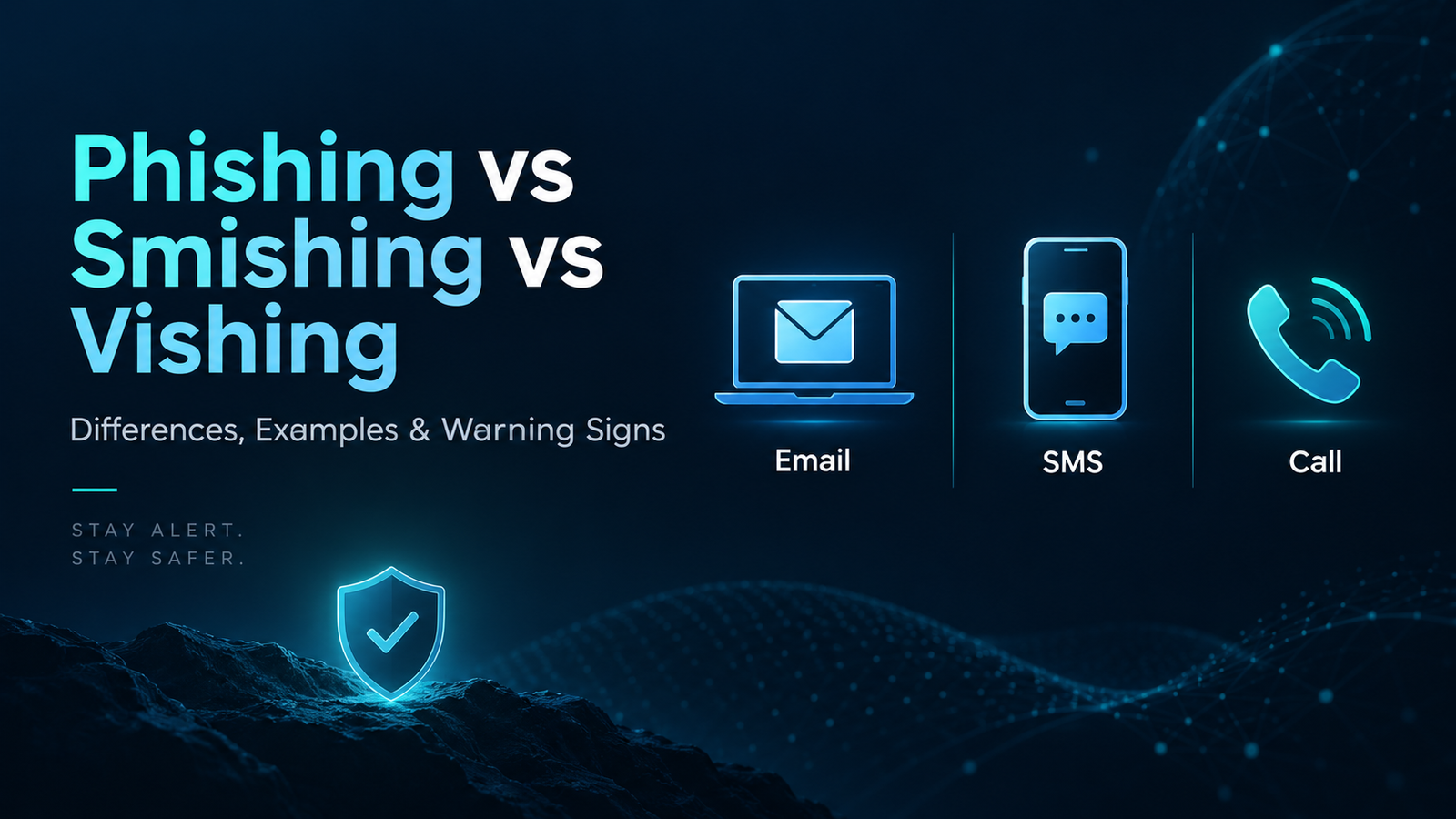
Phishing, smishing and vishing are social-engineering scams that try to trick people into revealing sensitive information, approving fraudulent actions or visiting malicious destinations. Phishing usually uses email or web messages, smishing uses SMS or other text messages, and vishing uses voice calls or recorded audio. The biggest difference is the delivery channel, but all three rely on urgency, impersonation and psychological pressure.
Phishing vs Smishing vs Vishing: Quick Comparison
Threat | Main Channel | Typical Hook | Common Goal | Best First Defense |
|---|---|---|---|---|
Phishing | Email, websites, messaging platforms | Fake invoice, account alert, password reset | Credentials, payment data, malware delivery | Verify sender and destination independently |
Smishing | SMS, RCS, mobile text messages | Delivery issue, bank alert, toll notice, prize or refund | Clicks, login data, payment information, app installation | Do not tap unexpected links; open official app/site yourself |
Vishing | Phone calls, VoIP, voicemail | Bank fraud team, tax authority, tech support, executive request | One-time codes, transfers, remote access, sensitive information | Hang up and call the organization using a trusted number |
What Are Phishing, Smishing and Vishing?
Phishing, smishing and vishing are different forms of social engineering. Instead of attacking a computer system directly, the scammer attacks human trust. The message may pretend to come from a bank, delivery company, employer, government office, payment provider, social network or even a friend. The goal is to make the recipient act before they stop to verify the request.
These attacks often use the same psychological triggers: urgency, fear, curiosity, authority, scarcity and the promise of a reward. A message that says an account will be closed in 30 minutes or a caller who claims to be from a bank fraud team is trying to shorten the victim’s decision-making window.
The key distinction is the communication channel. Phishing is the broadest term and is commonly associated with email and fake websites. Smishing is phishing by text message. Vishing is phishing by voice. Attackers may also combine the channels, for example sending a text message first and then following up with a phone call.
What Is Phishing?
Phishing is a social-engineering technique in which an attacker impersonates a trusted person or organization to persuade a target to reveal information, open a malicious file, sign in to a fake page, approve a payment, or perform another risky action. Email remains one of the most familiar phishing channels, but phishing can also appear in social-media messages, collaboration tools and fake websites.
Common Phishing Examples
- A fake password-expiration email that links to a counterfeit sign-in page.
- An invoice or payment request pretending to come from a supplier or manager.
- A fake cloud-storage notification asking the user to open a shared document.
- A message claiming unusual account activity and demanding immediate verification.
- A fraudulent support message asking the user to confirm personal or payment details.
Phishing Warning Signs
- The sender address does not match the organization it claims to represent.
- The message creates extreme urgency or threatens immediate consequences.
- The visible link text and actual destination do not match.
- The email asks for passwords, one-time codes or sensitive payment details.
- Unexpected attachments or unfamiliar file types are included.
- The wording, branding, grammar or formatting feels unusual for the sender.
What Is Smishing?
Smishing means SMS phishing. It is a phishing attack delivered through text messages or similar mobile messaging channels. Smishing works well because people often treat phone notifications as immediate and personal. A short text can also hide important context, making it harder to judge the sender or destination at a glance.
Many smishing messages are designed to get a fast tap. They may claim that a parcel cannot be delivered, a bank card was used suspiciously, a road toll remains unpaid, a streaming subscription has expired, or a refund is waiting. The message usually includes a link or phone number that leads to the next stage of the scam.
Common Smishing Examples
- “Your package is on hold. Confirm your address now.”
- “Bank alert: We blocked a payment. Review activity immediately.”
- “Your toll payment is overdue. Pay today to avoid additional fees.”
- “You qualify for a refund. Verify your details to receive it.”
- “Your mobile account will be suspended unless you update billing information.”
Smishing Warning Signs
- An unexpected message includes a shortened or unfamiliar link.
- The sender demands immediate action or payment.
- The message claims to know about a delivery, bank transaction or account issue you cannot verify.
- You are asked to install an app, profile or security update through a text-message link.
- The text asks for login credentials, card details or one-time passcodes.
What Is Vishing?
Vishing means voice phishing. In a vishing attack, the scammer uses a phone call, internet-based voice service, recorded message or voicemail to impersonate a trusted organization or person. The attacker may claim to work for a bank, police department, government agency, telecom provider, technical-support company or employer.
Voice can be especially persuasive because callers can react in real time. They may sound confident, use professional language and appear to know partial personal information. Caller ID should not be treated as proof because displayed numbers can be spoofed or manipulated.
Common Vishing Examples
- A caller pretending to be from a bank fraud department and asking for a one-time verification code.
- A fake technical-support caller requesting remote access to a computer or phone.
- A caller pretending to be an executive who demands an urgent transfer or purchase.
- A fake government or tax official threatening penalties unless payment is made immediately.
- A caller claiming a relative is in trouble and urgently needs money.
Vishing Warning Signs
- The caller pressures you not to hang up or verify the request independently.
- You are asked to share passwords, security codes or full payment credentials.
- The caller insists on unusual payment methods or immediate transfers.
- The story depends on secrecy, fear or urgency.
- The caller asks you to install remote-access software or change security settings.
Phishing vs Smishing: What Is the Difference?
The main difference between phishing and smishing is the communication channel. Traditional phishing often arrives through email, while smishing arrives through SMS or other mobile text messages. Both can lead to fake websites, malicious downloads or requests for sensitive information.
Smishing can feel more urgent because text messages appear directly on a phone’s lock screen and may be read quickly. Phishing emails, however, can contain richer formatting, logos, attachments and longer stories. In both cases, the safest approach is to avoid using the embedded link when the request is unexpected. Open the organization’s official app or website yourself instead.
Phishing vs Vishing: What Is the Difference?
Phishing normally relies on written messages and fake digital destinations, while vishing uses voice conversations. A phishing email can be reviewed slowly, but a vishing caller may deliberately keep the victim engaged and prevent them from checking the claim. This is why pressure to stay on the line is a major red flag.
Vishing also exploits natural social cues. A confident voice can create a stronger sense of authority than a written message. The best defense is simple: end the call and contact the organization using a phone number from its official website, app, card or statement.
Smishing vs Vishing: What Is the Difference?
Smishing uses text messages; vishing uses voice. However, modern scams frequently combine the two. A smishing message might say, “Call this number to secure your account,” after which the victim reaches a fake support agent. Conversely, a caller may send a follow-up text with a malicious link while keeping the victim on the phone.
Because multi-channel attacks are common, users should evaluate the overall request rather than trusting a message because it arrived through a familiar medium.
Why These Scams Work
Phishing, smishing and vishing succeed because they manipulate normal human behavior. Attackers do not need perfect technical skills if they can make the target believe the request is legitimate. Several psychological patterns appear repeatedly:
- Urgency: “Act now or your account will be locked.”
- Authority: “This is the bank security team.”
- Fear: “A payment has been made from your account.”
- Scarcity: “This offer expires in 10 minutes.”
- Curiosity: “See the document someone shared with you.”
- Helpfulness: “We need you to fix a problem for your manager.”
- Reward: “You are owed a refund or prize.”
How to Spot a Phishing, Smishing or Vishing Attempt
- Slow down when a message creates urgency. Legitimate organizations generally provide a safe way to verify important issues.
- Check the communication channel. An unexpected bank request by text or phone should be verified through the bank’s official app or published contact details.
- Do not trust caller ID, sender names or logos by themselves. These can be copied or spoofed.
- Treat requests for passwords, PINs, one-time codes and full payment credentials as high risk.
- Inspect links carefully before opening them, and prefer navigating to the official website manually.
- Be suspicious of unusual payment requests, especially gift cards, crypto transfers, wire transfers or payments to unfamiliar accounts.
- Confirm requests involving money or account changes using a second trusted communication channel.
Realistic Example: A Multi-Channel Social-Engineering Attack
Imagine a customer receives a text claiming that a suspicious card payment was blocked. The text contains a phone number for “security support.” When the customer calls, the person who answers already knows the customer’s name and claims to be reviewing the attempted transaction. The caller then asks for a one-time code supposedly to cancel the payment.
This scenario combines smishing and vishing. The text creates the initial fear and directs the victim to a voice channel, where the scammer can apply more pressure. The correct response is to stop the interaction, open the bank’s official app or call the number printed on the card, and verify the alert independently. A legitimate fraud review should not require the customer to hand a security code to an unsolicited caller.
What to Do If You Clicked a Phishing or Smishing Link
- Close the page and stop entering information.
- If you entered a password, change it from the legitimate service and change any reused passwords elsewhere.
- Enable multi-factor authentication where available.
- If payment information was entered, contact the card issuer or bank using an official number.
- Review account activity for unauthorized changes or transactions.
- Remove any app, profile or software installed because of the message and run appropriate security checks.
- Report the scam to the affected organization and relevant local reporting channels.
What to Do If You Shared Information During a Vishing Call
If you gave information to a suspicious caller, the response depends on what was disclosed. Passwords should be changed immediately. One-time security codes or card information may require contacting the bank or service provider. If remote-access software was installed, disconnect the device from sensitive accounts and seek trusted technical support before using it for banking or payments again.
The most important step is to use verified contact information, not a number supplied by the caller or message. Explain exactly what happened so the organization can protect the account and advise on next steps.
How Businesses Can Reduce Phishing, Smishing and Vishing Risk
Organizations need layered defenses because social engineering targets both employees and customers. Technical controls can reduce exposure, but they work best when users know what legitimate communications should look like.
- Use phishing-resistant or strong multi-factor authentication where practical.
- Train staff to verify payment and account-change requests through independent channels.
- Create clear procedures for high-risk actions such as bank-detail changes and large transfers.
- Use email authentication and filtering controls to reduce spoofed or malicious messages.
- Monitor for brand impersonation and fake login pages.
- Teach customer-support teams never to request sensitive authentication codes unnecessarily.
- Provide easy reporting channels for suspicious emails, texts and calls.
- Use transaction monitoring and step-up verification for unusual account activity.
Phishing, Smishing and Vishing in the Age of AI
Generative AI can make fraudulent messages more polished and can help attackers personalize social-engineering attempts. Voice synthesis can also make impersonation harder to judge by sound alone. This means older advice such as “look for bad grammar” is no longer enough.
The most reliable defenses are process-based: verify unexpected requests independently, never treat caller ID as identity proof, avoid sharing authentication codes, and use trusted apps or bookmarked websites instead of links sent in unsolicited messages.
Phishing vs Smishing vs Vishing: The Most Important Warning Signs
- Unexpected urgency or threats.
- Requests for passwords, PINs or one-time passcodes.
- Pressure to keep the interaction secret.
- Links or phone numbers you did not expect.
- Requests to install software or grant remote access.
- Unusual payment methods or last-minute bank-detail changes.
- A sender or caller who discourages independent verification.
- A message that exploits fear, authority, curiosity or reward.
Frequently Asked Questions
What is the difference between phishing, smishing and vishing?
Phishing is the broad social-engineering category commonly associated with email and fake web pages. Smishing is phishing delivered through text messages, while vishing is phishing delivered through voice calls or recorded audio.

What does smishing mean?
Smishing means SMS phishing. It uses text messages to trick recipients into clicking malicious links, calling fraudulent numbers, installing software or disclosing sensitive information.
What does vishing mean?
Vishing means voice phishing. It uses phone calls, VoIP, voicemail or recorded audio to impersonate a trusted organization or person.
Is smishing more dangerous than phishing?
Neither is always more dangerous. The risk depends on the message, the target and the action requested. Smishing can be effective because people often react quickly to mobile notifications.
Can caller ID prove that a bank is calling me?
No. Caller ID can be spoofed or manipulated. If a call is unexpected, hang up and contact the bank using a number from its official app, website, card or statement.
Will a bank ask for a one-time passcode over the phone?
You should treat an unsolicited request for a one-time passcode as a serious warning sign. Verify the situation independently with the institution through a trusted contact method.
How can I report phishing, smishing or vishing?
Report the message or call to the impersonated organization and follow the cybercrime or consumer-fraud reporting process available in your country. Your mobile carrier or email provider may also offer spam-reporting tools.
What is the best protection against social engineering?
Pause, verify independently, protect authentication codes, use strong account security, and avoid acting through links or phone numbers supplied in unexpected messages.
Conclusion
Phishing, smishing and vishing are closely related scams built around the same idea: convincing a person to trust the wrong message, link or caller. Phishing commonly uses email and fake websites, smishing uses text messages, and vishing uses voice. The delivery method changes, but the warning signs remain remarkably consistent: urgency, impersonation, requests for sensitive information and pressure to act without verification.
The safest habit is to separate the message from the verification process. If a bank, employer, delivery company or online service contacts you unexpectedly, do not rely on the contact details in that message. Open the official app, visit the known website or call a trusted number yourself. A few minutes of verification can prevent account takeover, payment fraud and identity theft.
Recommended Authoritative Sources to Cite During Publishing
- CISA or your national cybersecurity authority for phishing and social-engineering guidance.
- FTC or the relevant consumer-protection authority for scam reporting and consumer advice.
- FBI/IC3 or equivalent law-enforcement cybercrime guidance where relevant.
- Your mobile carrier or telecom regulator for spam-text and spoofed-call reporting guidance.
- Official banks/payment providers only when explaining their specific customer-security practices.