

PayPal account takeover fraud happens when an unauthorized person gains control of a legitimate PayPal account and uses that access for activity the real account holder did not approve.
The account can be compromised through phishing, password reuse, malware, fake support messages or theft of authentication information. Once access is obtained, the criminal may attempt unauthorized payments, change account details, misuse linked funding sources or use the trusted account to deceive other people.
PayPal's current User Agreement describes an Unauthorized Transaction as money sent from a PayPal account without the account holder's authorization and without benefiting the account holder. PayPal gives the example of someone stealing a password, using it to access the account and then sending a payment.
Quick answer: PayPal account takeover is unauthorized control of a real PayPal account. Common warning signs include unfamiliar payments, password or contact-detail changes, unexpected security prompts and activity notifications. PayPal says it uses 24/7 fraud monitoring and provides security features including passkeys, 2-step verification and account-activity reporting.
Safety scope: This article explains account takeover defensively. It does not provide stolen-account sources, credential-theft instructions, authentication bypasses, fraud thresholds or methods for sending unauthorized payments.
What Is PayPal Account Takeover?
Account takeover, often shortened to ATO, means an attacker gains access to a legitimate user's existing account rather than creating a new fraudulent account.
For PayPal users, takeover can expose transaction history, profile information, linked payment methods and payment functionality depending on the account and security controls in place.
PayPal Account Takeover vs PayPal Scam
Scenario | Who authorizes the activity? | Typical situation |
|---|---|---|
Account takeover / unauthorized transaction | The real account holder does not authorize it | A criminal accesses the account and sends or attempts a payment |
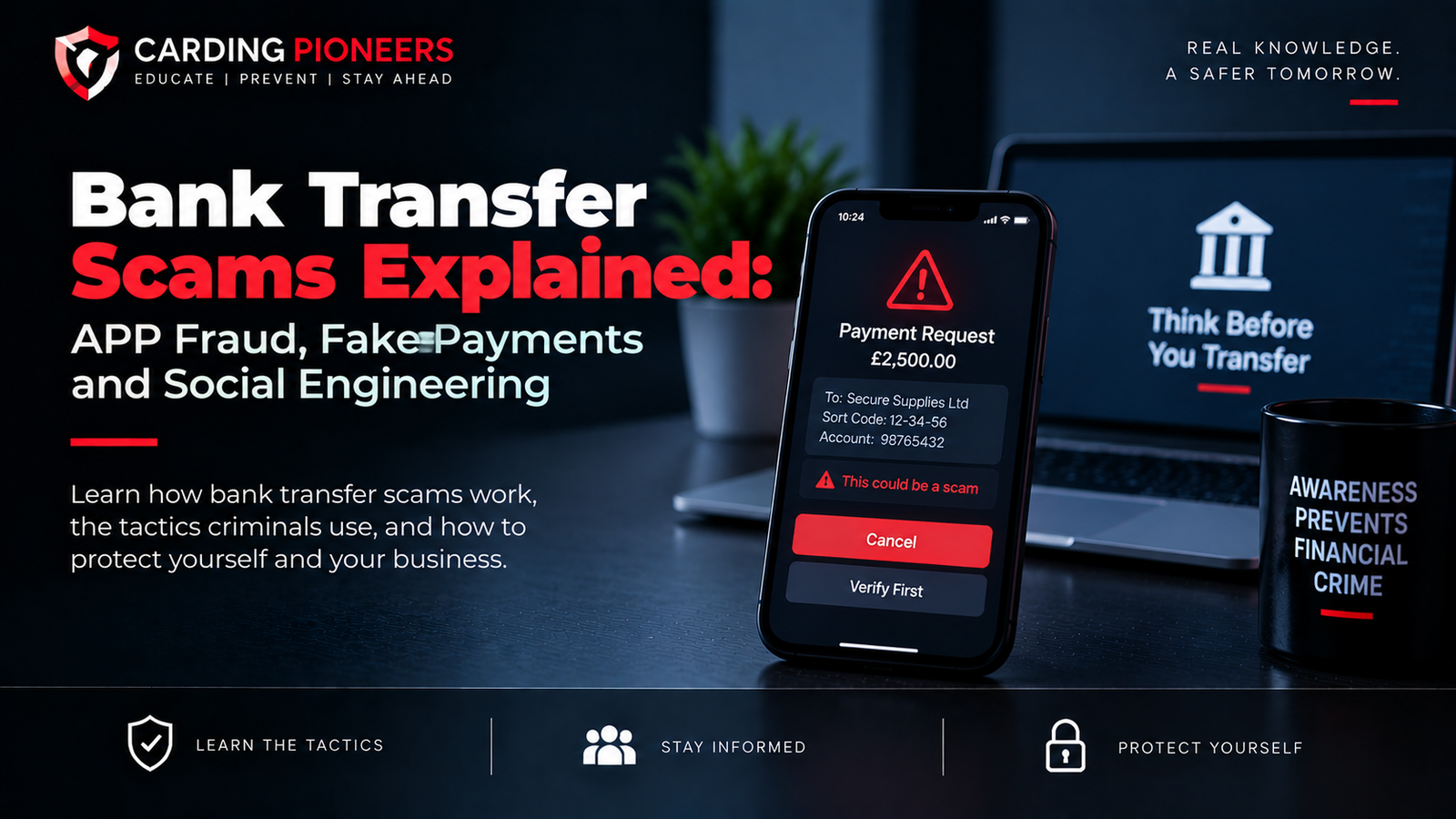
Social-engineering scam | The victim authorizes the payment after being deceived | Fake invoice, impersonation, purchase or support scam |
How PayPal Accounts Become Compromised
The most common pathways involve stealing or abusing authentication information rather than defeating PayPal's core payment infrastructure.
- Phishing emails or texts that imitate PayPal
- Fake login pages that capture passwords
- Password reuse after an unrelated data breach
- Compromised email accounts used for password recovery
- Malware or credential-stealing software on a device
- Social engineering that tricks a user into revealing a reset code or security code
1. Phishing and Fake PayPal Messages
Phishing messages often claim there is a payment problem, security alert, account limitation or urgent refund issue. The objective is to push the victim toward a fake login or support channel.
PayPal advises users not to follow suspicious password-reset links. Instead, users should open a browser, type paypal.com themselves and log in directly.
2. Password Reuse
Password reuse makes account takeover easier because a password exposed in one breach may also unlock another service.
PayPal recommends unique passwords and says users should change their password immediately if they notice unauthorized activity, suspect someone has it, encounter suspicious activity in email or other accounts, remove malware, or receive a legitimate PayPal notice about unusual activity.
3. Compromised Email Accounts
Email security matters because password resets, transaction notices and security alerts may be sent there. If the email account is compromised, an attacker can gain another route into the PayPal account or suppress warnings.
- Use a unique password for email.
- Enable MFA on the email account.
- Review recovery addresses and phone numbers.
- Sign out unfamiliar sessions.
- Treat unexpected password-reset notifications as a warning sign.
4. Social Engineering Around Authentication
Even when 2-step verification is enabled, criminals can try to manipulate the account holder into sharing a code or approving a login.
PayPal states that it will never ask users to provide their 2FA code by phone, email or text.
How a Stolen PayPal Account May Be Abused
Once access is obtained, the exact abuse depends on the account, linked funding methods, available limits and the controls triggered by the activity.

- Unauthorized payments or transfers
- Attempts to use linked cards or bank funding sources
- Changes to profile, contact or security information
- Use of the trusted account identity in scams targeting other people
- Purchase activity that later results in disputes or reversals
- Attempts to conceal activity by changing communication settings or account details
This article intentionally omits operational steps for carrying out or concealing such abuse.
What Is an Unauthorized PayPal Transaction?
PayPal's current U.S. User Agreement says an Unauthorized Transaction occurs when money is sent from a PayPal account without the account holder's authorization and without benefiting that account holder.
The agreement specifically gives password theft followed by an unauthorized payment as an example.
How PayPal Detects Suspicious Activity
PayPal states that it uses advanced fraud-detection technology and 24/7 fraud monitoring to help protect accounts and financial information.
Like other major payment platforms, risk decisions can consider multiple signals. PayPal does not publish operational fraud thresholds, and exact internal decision logic should remain private because public thresholds would help attackers adapt.
- Login and account-security context
- Transaction behavior and activity patterns
- Funding and payment context
- Device and session information
- History and risk indicators associated with the account
PayPal Passkeys and Account Security
PayPal supports passkeys as a phishing-resistant login technology. Passkeys can use a device's face recognition, fingerprint, PIN or device passcode instead of requiring the user to type a password.
Because a passkey is tied to the legitimate device or authenticator rather than a reusable password typed into a webpage, it can reduce exposure to traditional phishing.
PayPal 2-Step Verification
PayPal also supports 2-step verification. Its U.S. security guidance explains that users can set it up through Security settings and receive codes through an authenticator app or SMS.
Two-step verification adds a second barrier, but users still need to resist social engineering and should never share a security code with someone who contacted them unexpectedly.
Warning Signs Your PayPal Account May Be Compromised
Warning sign | Why it matters |
|---|---|
Unfamiliar transaction | A payment, transfer or purchase appears that you did not authorize. |
Unexpected security message | You receive a password-reset or verification notice you did not request. |
Profile details changed | Email address, phone number, mailing address or security information is different. |
Login trouble | Your normal password suddenly stops working. |
Unexpected 2FA code | A code arrives when you are not attempting to log in. |
Linked funding activity | A connected card or bank account shows activity you do not recognize. |
What Sellers May See After Buyer Account Takeover
A seller can receive a payment that appears normal and later face an Unauthorized Transaction dispute if the real account holder says the payment was made without permission.
PayPal's current Seller Protection terms say eligible transactions may be protected against certain Unauthorized Transaction claims when the program's requirements are met.
Seller Protection and Unauthorized Payments
PayPal's U.S. Seller Protection program, last updated in January 2026, says it may apply when buyers claim they did not authorize or benefit from funds sent from their PayPal account, provided eligibility requirements are satisfied.
- Check whether the transaction is marked eligible or partially eligible where required.
- Keep valid proof of shipment or delivery for physical goods.
- Keep fulfillment evidence for eligible digital goods or services.
- Respond to requests for evidence through the Resolution Center within the required timeframe.
How Unauthorized Transaction Disputes Work for Sellers
PayPal says that when a buyer claims they did not make a payment, it may open an Unauthorized Transaction dispute. Sellers can be asked to provide proof that the order or service was fulfilled correctly.
For physical goods, this can include shipment or delivery evidence. For services or digital goods, records can include fulfillment logs, delivery confirmation and relevant communications.
What to Do If Your PayPal Account Is Compromised
1. Report the suspicious activity to PayPal.
Use PayPal's Security Center or Resolution Center through the official website or app.
2. Change your PayPal password.
Use a unique password and do not reuse the old credential elsewhere.
3. Secure your email account.
Change the email password if necessary and review recovery information and active sessions.
4. Review account information.
Check phone numbers, email addresses, mailing addresses and linked funding sources for unauthorized changes.

5. Review recent transactions.
Identify payments or transfers you did not authorize and report them promptly.
6. Contact linked banks or card issuers if needed.
If linked financial accounts show unauthorized activity, contact the relevant institution through an official channel.
7. Strengthen authentication.
Enable 2-step verification or a passkey if available and appropriate.
PayPal's Recommended Post-Fraud Steps
PayPal's fraud-reporting guidance recommends reviewing all accounts for unauthorized activity, contacting relevant banks or card issuers, checking account profile information for unauthorized changes and changing passwords, PINs and security questions where appropriate.
It also advises securing email and other accounts because one compromised account can be connected to others.
How to Reduce the Risk of PayPal Account Takeover
- Use a unique PayPal password that is not reused anywhere else.
- Enable 2-step verification.
- Use a passkey if available and suitable for your devices.
- Never share passwords or verification codes.
- Do not log in through links in unexpected messages.
- Type paypal.com directly or use the official PayPal app.
- Secure the email account connected to PayPal.
- Review transaction notifications and account activity regularly.
- Keep devices, browsers and operating systems updated.
Why Transaction Notifications Matter
PayPal's User Agreement recommends regularly reviewing the account statement and transaction notifications to confirm that each transaction was authorized and accurately completed.
Early recognition can reduce the time an attacker has to continue abusing access.
PayPal Account Takeover vs Carding Fraud
Carding fraud focuses on stolen payment-card credentials. PayPal account takeover focuses on stolen access to the PayPal account itself.
The two can overlap when a compromised PayPal account has linked card funding, but they remain different fraud mechanisms.
PayPal Account Takeover vs Fake Invoice Scam
Account takeover involves unauthorized access to the victim's account. A fake invoice or money-request scam can work without compromising the victim's account because the victim is manipulated into paying voluntarily.
PayPal Account Takeover vs Phishing
Phishing is a method used to steal credentials. Account takeover is the result when stolen credentials or authentication information successfully give the attacker control of the account.
Frequently Asked Questions
What is PayPal account takeover fraud?
It is unauthorized control of a legitimate PayPal account, usually followed by attempted or completed activity the real account holder did not approve.

How do PayPal accounts get hacked?
Common high-level causes include phishing, password reuse, compromised email accounts, malware and social engineering around authentication.
What is an unauthorized PayPal transaction?
PayPal defines it as money sent from your account without your authorization and without benefiting you.
How does PayPal detect fraud?
PayPal says it uses advanced fraud-detection technology and 24/7 fraud monitoring. Exact internal thresholds are not public.
Does PayPal support 2FA?
Yes. PayPal supports 2-step verification, including authenticator-app or SMS-based codes in supported regions.
Does PayPal support passkeys?
Yes. PayPal describes passkeys as phishing-resistant login technology that can use biometrics, a device PIN or passcode.
What should I do if I see a payment I did not make?
Report the activity through official PayPal channels, secure the account and review linked banks or cards for related unauthorized activity.
Can sellers be affected by buyer account takeover?
Yes. A seller may later receive an Unauthorized Transaction dispute if a buyer's account was used without permission.
Does PayPal Seller Protection cover unauthorized transactions?
It can for eligible transactions when the program's current requirements are met.
Should I share a PayPal 2FA code with support?
No. PayPal says it will never ask for your 2FA code by phone, email or text.
Final Thoughts
PayPal account takeover fraud is fundamentally an identity and access problem: the attacker is trying to become the account holder in the eyes of the system.
The strongest protection combines secure login habits, unique credentials, 2-step verification or passkeys, protected email access and routine review of transaction notifications.
For sellers, the risk can appear later as an Unauthorized Transaction dispute, which makes transaction eligibility, fulfillment evidence and accurate records important. For account holders, quick reporting and account recovery are critical when unfamiliar activity appears.
Authoritative References
- PayPal Security Center
- PayPal - Protect Your Account
- PayPal - Security Technology and 24/7 Fraud Monitoring
- PayPal - Report Fraud and Unauthorized Activity
- PayPal User Agreement - Unauthorized Transactions
- PayPal Seller Protection Program
- PayPal - Responding to Unauthorized Transaction Disputes
Editorial note: This article is educational and defensive. It explains account takeover, warning signs, detection and recovery without providing credential-theft methods, account-acquisition instructions, authentication bypasses, fraud thresholds or unauthorized-payment techniques.